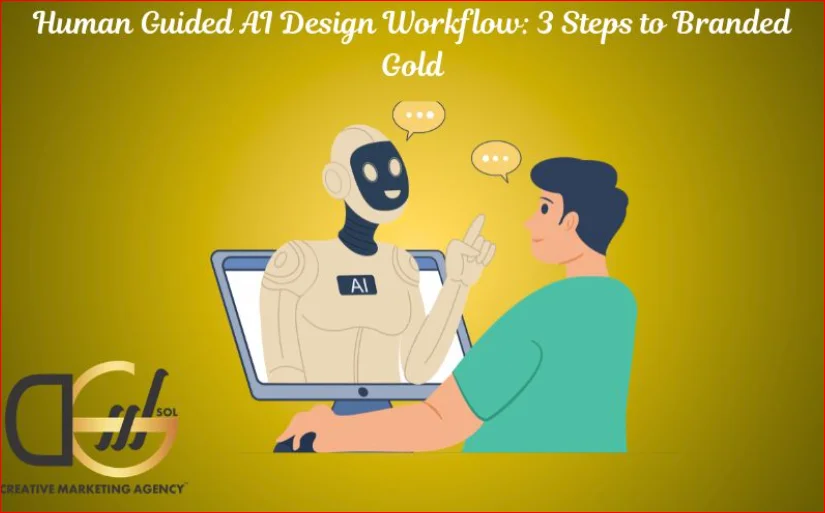
- AI without direction produces generic output at high speed
- The problem is not the tool but the absence of human creative control
- A structured workflow turns AI from a shortcut into a brand asset
- UK brands using this approach are gaining real visual differentiation
Quick answer: A human guided AI design workflow means building creative direction before prompting, editing with brand logic rather than preference, and validating output against real audience expectations. Brands that follow this process produce AI-assisted work that looks purposeful and earns consumer trust rather than blending into the noise.
Why Most AI Design Output Looks Like AI Design Output
There is a pattern to AI-generated brand visuals that UK audiences are increasingly able to spot. It is not always something they can articulate. Still, they feel it: a certain weightlessness to the composition, a color palette that is harmonious but not distinctive, typography that is clean but does not belong to anything in particular.
This happens because most brands skip the direction stage entirely. They open a tool, type a loose description, and accept what comes back. The result looks like a design. It functions like design. But it carries no brand fingerprint because nobody put one in.
The brands producing AI-assisted work that actually looks like a heritage identity are not using better tools. They are using the same tools with a more disciplined creative process around them. That process is what this workflow addresses.
Mastering the Human-Guided AI Design Workflow
Relying on artificial intelligence for brand design requires a deliberate, structured approach to avoid producing generic, uninspired visuals. By implementing a rigorous human-guided workflow, you can harness the speed of AI while maintaining absolute control over the creative direction. The following three phases ensure that human judgement remains at the centre of the design process, delivering a truly premium output.
Step 1: Build the Creative Brief Before You Touch the Tool
The single most important stage in any human guided AI design workflow happens before a prompt is written. It is the creative brief, and it needs to be far more specific than the average brand bothers with.
A loose prompt produces a loose result. A prompt built from a proper brief has a fighting chance of being usable.
What a proper pre-prompt brief includes:
- Brand era reference: What period of design history does this brand draw from? Victorian print, 1970s British retail, early 2000s modernism? Specificity here shapes the output more than any other factor.
- Tone word pairs: Not just “premium” but “premium and worn.” Not just “friendly” but “friendly and slightly serious.” Tension in tone produces more interesting results than single adjectives.
- What to exclude: Tell the tool what the brand is not. This eliminates the generic defaults that AI tools reach for when direction is absent.
- Color logic: Define the palette before generating, including which colors function as dominant, secondary, and accent. Do not let the tool choose.
- Reference category: Name the visual world the brand occupies: Independent bookshop, north London. Working men’s club turned restaurant. Heritage outdoor clothing. These category references carry enormous amounts of implicit visual instruction.
The brief is not a prompt. It is the foundation from which prompts are built. Brands that skip this stage will spend hours iterating through outputs that are almost right but never quite land because the target was never defined.
AI tools are also reshaping how brands think about visibility beyond design. Understanding how AI is changing digital marketing across the full marketing mix helps UK businesses use these tools more strategically at every layer.
Step 2: Direct the Output, Do Not Accept It
Once the brief is in place, the prompting stage begins. This is where most brands hand control back to the tool. That is the mistake.
Prompting is an art form, not a search query. The person at the keyboard is functioning as a creative director, and the AI is functioning as a very fast, very literal junior designer. Treat it accordingly.
The three disciplines of effective AI art direction:
Prompt construction
Every prompt should contain a visual subject, a stylistic reference, a material or texture instruction, a lighting direction, and a constraint. Brands that include all five consistently produce outputs that are closer to usable than brands that include one or two. The additional detail takes thirty seconds to add and removes hours of iteration.
Iterative narrowing
Do not jump between completely different prompts when the output is not right. Identify what is working in each result, and progressively narrow toward it. This is how human designers work when exploring a direction, and it is the right instinct here, too. Wholesale restarts waste the directional progress made in earlier iterations.
Rejection criteria
Know in advance what will cause you to reject an output. If a result does not carry the brand era reference, reject it. If the texture reads as digital rather than physical, reject it. Clear rejection criteria prevent the common trap of accepting something that is merely acceptable because iteration fatigue has set in.
| Stage | What the Human Controls | What the AI Contributes |
| Brief | Everything | Nothing |
| Prompting | Direction, constraint, tone | Speed, variation, execution |
| Iteration | Rejection, selection, narrowing | Alternatives |
| Refinement | Brand logic, audience fit | Raw material |
| Validation | Final decision | No role |
Step 3: Refine Against Brand Logic, Not Personal Preference
The third step is where most of the value is lost and where human oversight matters most. When an output looks good to the person reviewing it, that is not a sufficient reason to use it. The question is whether it looks right for the brand and right for the audience.
This distinction is harder to maintain than it sounds. After a long iteration session, almost any result that looks attractive will start to feel appropriate. The discipline required here is to step back from personal aesthetic response and evaluate through a different lens.
Questions to ask at the refinement stage
Does this output look like it belongs to this brand’s world, or does it just look good?
Would a UK consumer encountering this for the first time read it as a serious brand or an amateur one?
Does the visual carry anything that competitors would not immediately produce with the same tools?
Is there any element here that could only have come from deliberate creative direction, or could it be the default output for this category?
What to do when the output passes on aesthetics but fails on brand fit
This is the most common failure point. The result is attractive. It is well-composed. The colors work. But it does not belong to the brand.
The answer is not to keep iterating. It is to return to the brief and identify which element of the direction is not being carried through into the prompts. Usually, it is the exclusion list or the brand era reference. These are the two brief elements most commonly underprompted, and they are the two that most directly determine whether the output feels owned or generic.
Understanding how a strong visual identity functions within a broader growth strategy is one of the essential answers to why professional graphic design matters for brand growth. It treats design as a business tool rather than a decorative one.
The Execution Layer: Finishing AI Output Like a Senior Designer
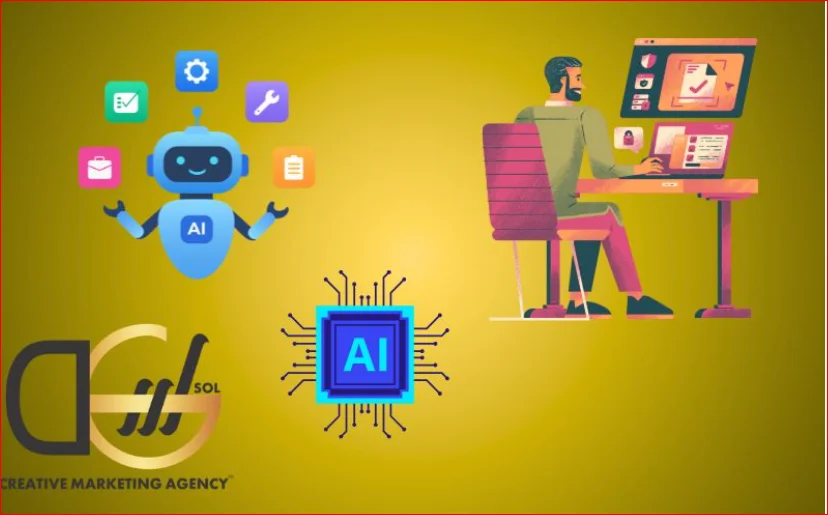
A complete human-guided AI design workflow does not end when an acceptable output is selected. It ends when that output has been finished to the brand standard by a human with design judgment.
This means taking the AI output into a proper design environment and working on it and adjusting typography to match the brand system. Removing elements that are visually interesting but off-brand. Adding texture, grain, or print-style overlays that make the output feel material rather than digital. Compositing the result into real use contexts rather than presenting it in isolation.
The brands whose AI-assisted design work looks like an agency made it are the brands doing this finishing work. The brands whose output reads as AI-generated are the brands skipping it.
What the finishing layer includes:
- Typography correction to match the brand’s type system
- Color grading to align with the defined palette rather than the AI’s interpretation of it
- Texture and grain application to add material quality
- Composition refinement to remove generic layout decisions
- Context placement so the output is evaluated in realistic use, not in a vacuum
Where UK Brands Are Getting This Wrong Right Now
The most common failure point for UK brands using AI design tools is not the tool selection. It is the absence of any structured workflow around the tool. Designers and marketers are using AI the way they use a search engine: type something in, see what comes back, and decide whether it is good enough.
That approach produces the visual equivalent of low-effort content. It is recognizable as such to any UK audience that has spent time scrolling through brand content, which is to say, virtually everyone. The output is not bad. It is worse than bad in some ways, because it is indistinguishable from every other brand operating in the same space with the same tools and the same absence of direction.
The workflow described here is not complex. It requires discipline rather than technical skill. But that discipline is precisely what most brands are unwilling to invest in, which means the brands that do invest in it earn a meaningful visual advantage.
How DGSOL UK Approaches Human-Led AI Design
For UK businesses that want to use AI design tools without producing generic output, working with a team that understands both the tools and the brand strategy behind them makes a significant difference. DGSOL UK brings human creative direction to every stage of the design process, treating AI as an accelerant rather than a replacement for strategic thinking. The result is brand visual work that carries genuine identity, performs with UK audiences, and does not look like it came off a prompt template. If your brand’s current AI-assisted design output is not earning the trust and recognition it should be, the workflow is the problem, not the tool.
Conclusion
A human guided AI design workflow is the difference between producing brand visual work that earns trust and producing output that gets scrolled past. The three steps, building a proper creative brief, directing the AI as an art director rather than a user, and refining output against brand logic rather than personal taste, are not complicated. They are simply more deliberate than most brands bother to be.
UK businesses that adopt this discipline will find that AI design tools produce genuinely differentiated, brand-consistent visuals rather than the generic output that has made “AI-generated” a shorthand for low effort. The tools are not the problem. The workflow around them is everything.
Ready to build AI-assisted brand visuals that actually look like yours? Get in touch with DGSOL UK today.
FAQs
What makes a human-guided AI design workflow different from just using AI tools?
It puts structured creative direction in place before, during, and after the prompting stage, so the output reflects brand identity rather than the tool’s defaults.
Why does most AI-generated brand design look generic?
Because most brands prompt without a brief, which means the tool fills creative gaps with its own defaults, producing output that looks similar across every brand in the category.
Can small UK businesses realistically follow this workflow?
Yes, the workflow is based on discipline and creative thinking rather than technical resources, and it scales to businesses of any size operating in any market.
How does AI design fit into a wider brand growth strategy?
AI design works best as part of a broader visual identity system where every touchpoint is evaluated against the same brand logic and audience expectations.
What does DGSOL UK do to help brands with AI-assisted design?
DGSOL is a Liverpool-based creative marketing agency that helps UK businesses apply human creative direction to AI design processes, producing brand visuals that perform rather than just exist.
Does the finishing layer really make that much difference to AI output?
It makes an enormous difference. The finishing stage is where AI output becomes brand output, through typography correction, texture application, and context placement.